

9 Best WordPress Speed Optimization Plugins
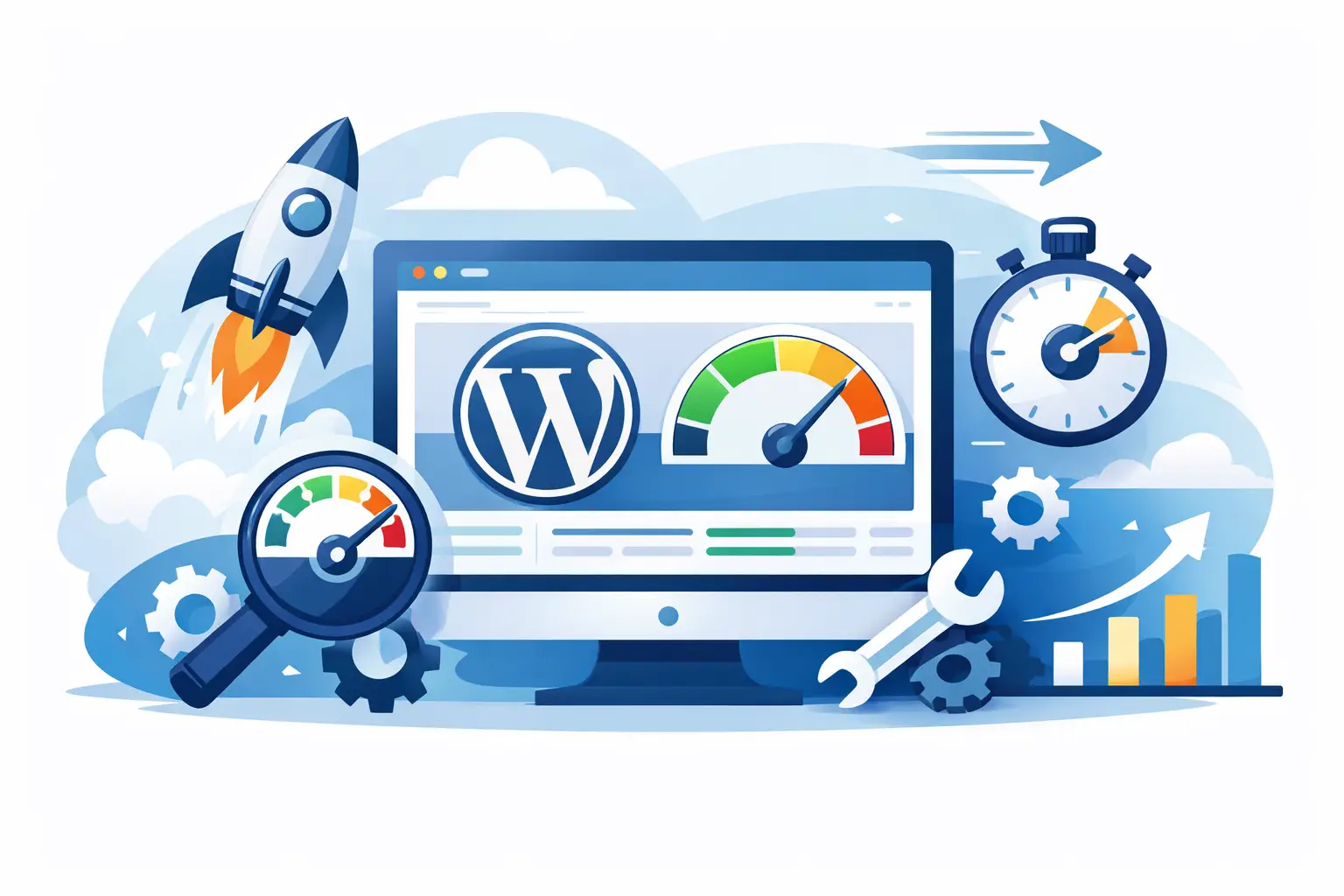
Compare the best wordpress speed optimization plugins for caching, image compression, and Core Web Vitals without adding plugin bloat.
A slow WordPress site usually does not fail because of one big mistake. It slips over time – a page builder here, oversized images there, five marketing scripts, and a theme that does too much. That is why choosing the best wordpress speed optimization plugins is less about finding one magic fix and more about picking the right layer of help without stacking unnecessary complexity.
For most site owners, the real challenge is not whether a plugin can improve speed. It is whether that plugin fits the rest of the setup. A strong caching plugin on weak hosting can only go so far. The same goes for image compression, database cleanup, and script control. The best results come from plugins that solve a specific bottleneck and work well with your hosting environment instead of fighting it.
What the best WordPress speed optimization plugins actually do
Speed optimization plugins typically focus on one or more of four jobs. They cache pages so WordPress does less work on repeat visits. They shrink files by minifying CSS and JavaScript, delaying scripts, or removing unused code. They optimize media with compression and lazy loading. And in some cases, they clean the database or help manage external scripts that slow down rendering.
That sounds straightforward, but there is a trade-off. The more aggressive the plugin, the more likely it is to break layouts, delay functionality, or conflict with themes and third-party tools. For business sites, ecommerce stores, and agency builds, stability matters as much as test scores.
1. WP Rocket
WP Rocket is often the first answer in any discussion about the best wordpress speed optimization plugins because it balances strong results with an easy setup. It handles page caching, browser caching, GZIP compression support, lazy loading, database cleanup, script delay, and preload features in one interface.
The biggest advantage is time. You do not need to stitch together three or four separate plugins just to cover the basics. That makes it a practical choice for small businesses, freelancers, and agencies managing multiple client sites.
The trade-off is cost. It is a premium plugin, and some features overlap with what quality managed WordPress hosting already provides at the server level. If your host includes advanced caching, CDN integration, and image delivery, you may not need every WP Rocket feature turned on.
2. LiteSpeed Cache
LiteSpeed Cache can be excellent, but only in the right environment. It delivers strong performance when the site runs on a LiteSpeed web server because it taps into server-level caching rather than relying only on PHP-based workarounds.
It also goes beyond caching with image optimization, database cleanup, object cache support, CSS and JavaScript optimization, and QUIC.cloud integration. On the right stack, it is one of the most powerful options available.
The catch is compatibility. If your hosting does not use LiteSpeed, you will not get the full benefit. This is where many plugin comparisons get misleading. A plugin can be impressive on paper and still be the wrong fit for your infrastructure.
3. Perfmatters
Perfmatters takes a different approach. Instead of trying to be an all-in-one speed tool, it focuses on trimming the unnecessary parts of WordPress and third-party plugins that load where they are not needed.
That includes disabling emoji scripts, limiting heartbeat activity, managing preloading behavior, and controlling script loading on specific pages. For example, if a form plugin loads site-wide but only appears on one contact page, Perfmatters helps stop that waste.
This is not the best first plugin for beginners who want one-click optimization. It is better for site owners, developers, and agencies that want tighter control. When paired with solid hosting and a caching layer, it can make a noticeable difference without adding bloat.
4. Autoptimize
Autoptimize remains popular because it covers core front-end optimization well and has a generous free version. It can aggregate and minify CSS, JavaScript, and HTML, defer scripts, and help optimize how assets are delivered.
For budget-conscious site owners, it is a sensible starting point. It is especially useful if your host already handles page caching and you only need help with file optimization.
Still, setup matters. Combining and deferring files can fix one issue while creating another, especially on sites with older themes or plugin-heavy layouts. Autoptimize works best when someone is willing to test changes carefully rather than just turning on every option.
5. ShortPixel
Images are one of the most common reasons a site feels slow even when caching is configured properly. ShortPixel focuses on that problem directly. It compresses images, supports modern formats, and can help reduce the weight of existing media libraries without much manual effort.
For ecommerce stores, portfolios, and content-heavy sites, image optimization often produces one of the fastest wins. If your product pages or blog posts are packed with large visuals, this plugin can reduce load times where users actually notice them.
The limitation is scope. ShortPixel is not a full speed plugin. It solves media efficiency, not caching or code delivery. That is fine if you treat it as one layer of a broader performance strategy.
6. Imagify
Imagify sits in a similar category to ShortPixel and is a strong option for site owners who want simple image compression with a clean user experience. It supports bulk optimization, WebP conversion, and adjustable compression levels depending on whether image quality or file savings matters more.
The choice between Imagify and ShortPixel often comes down to preference, pricing, and results on your specific image library. Neither is universally better. Testing a sample set of images usually tells you more than any feature page will.
7. FlyingPress
FlyingPress has built a strong reputation by focusing on modern speed improvements and a streamlined experience. It includes page caching, CSS and JavaScript optimization, lazy loading, critical CSS handling, and database cleanup. Many users like it because it aims for strong Core Web Vitals gains without requiring deep technical tuning.
For business owners who want premium performance tools but find some platforms too busy or too technical, FlyingPress can be a very appealing middle ground. It is especially effective when paired with hosting that already delivers fast PHP workers, optimized databases, and dependable CDN support.
Its downside is similar to other premium tools: cost and overlap. If your hosting stack is already highly optimized, you may only need part of what it offers.
8. Asset CleanUp
Asset CleanUp is for people who want precise control over what loads on each page. Like Perfmatters, it can prevent unnecessary CSS and JavaScript from loading where they do not belong.
That can be valuable on plugin-heavy websites, especially when certain forms, sliders, or ecommerce features only appear on selected pages. Reducing that dead weight can improve render times and reduce requests.
It is not the easiest plugin for non-technical users. Turning off the wrong asset can break page functionality. For agencies and developers, that control is useful. For beginners, it can create more work than it saves.
9. WP-Optimize
WP-Optimize brings together caching, database cleanup, and image compression in a single plugin. That all-in-one approach makes it attractive for users who want to handle routine maintenance without installing several separate tools.
Its database features are especially helpful on older WordPress sites that have accumulated post revisions, transients, and table overhead. Cleaning that up will not transform a poorly hosted site into a fast one, but it can reduce clutter and improve backend responsiveness.
The main question is whether you want one plugin doing several jobs moderately well or a more specialized stack. That depends on the site, the budget, and how much hands-on tuning you are comfortable with.
How to choose the right plugin for your setup
The best WordPress speed optimization plugins are the ones that fill a gap your hosting and theme are not already handling. If your host delivers full-page caching, CDN support, object caching, and optimized PHP performance, adding another all-in-one speed plugin may create redundancy instead of improvement.
For simpler business sites, a cache and front-end optimization plugin plus image compression is often enough. For larger WooCommerce stores or agency builds, more granular control over scripts and assets can be worth it. If you are managing client sites, ease of support matters too. A plugin that saves 100 milliseconds but creates ongoing troubleshooting is not always the better business choice.
This is also why managed hosting matters. Good infrastructure reduces the amount of plugin work required in the first place. When server caching, security, backups, CDN services, and performance tuning are already built in, your plugin stack can stay leaner, which usually leads to fewer conflicts and easier maintenance. That is a big reason businesses move toward fully managed environments like Hostara instead of assembling performance from a dozen separate add-ons.
A smarter stack beats a bigger stack
If you want a practical shortlist, WP Rocket and FlyingPress are strong premium all-around options, LiteSpeed Cache is excellent on LiteSpeed hosting, Autoptimize is a solid budget choice, and Perfmatters or Asset CleanUp are best when script control is the real issue. For media-heavy sites, ShortPixel and Imagify solve a different but equally important problem.
The bigger lesson is simple. Do not install speed plugins because they are popular. Install them because they address a measured problem on your site. The fastest WordPress setup is usually the one with fewer moving parts, better infrastructure, and optimization choices made on purpose.